As an Amazon Associate this site earns from qualifying purchases.
Top Picks
![[4200 ANSI & Officially-Licensed APP] 4K Projector with WiFi and Bluetooth, Auto Focus](/aimg/images/I/61jfOUDoy-L._AC_SL300_.jpg)
![[3000 ANSI/ 330°Stand/Built in Apps] 4K-Projector with WiFi and Bluetooth, Goiaey GO2 Mini](/aimg/images/I/813DYRnNhvL._AC_SL300_.jpg)
![[3000 ANSI/ 330°Stand/Built in Apps] 4K-Projector with WiFi and Bluetooth, Goiaey GO2 Mini Outdoor Projector with Auto Focus, DoIby, Zoom, Portable Projector for Bedroom/Home/Celling](https://projvue.com/aimg/images/I/41PNkIlN-8L._SL500_.jpg)
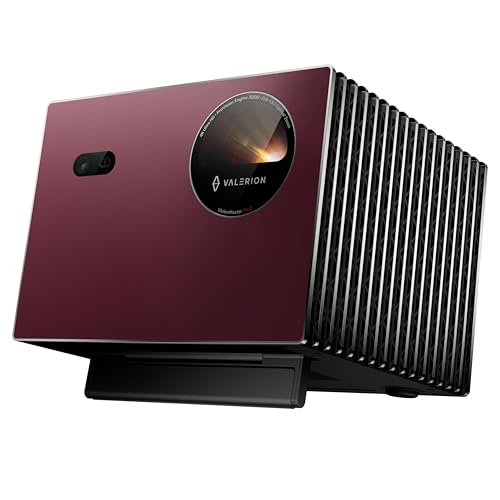
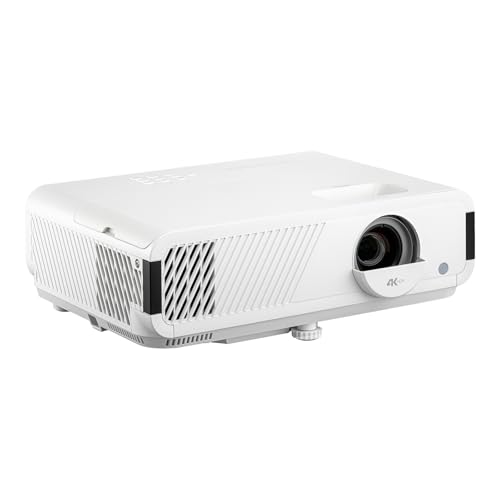
Screen Size: The Math That Saves Your Eyes
Bigger isn't always better. A screen that's too large for your seating distance will give you the same neck-craning regret you'd get from sitting in the front row at IMAX.
The Golden Ratio Formula
Your seating distance should be roughly 1.5 to 2.5 times the screen's diagonal width. Sit 12 feet back? You're in the sweet spot for a 100" to 120" screen.
Quick Reference Sizing Chart
Reviewed by the ProjVue Editorial Team
Last Updated: June 2026 | Written by the ProjVue Editorial Team | 12 min read
THE HARD TRUTH NOBODY TOLD YOU
Your projector screen matters just as much as your projector itself. Possibly more. And the wrong choice will sabotage every dollar you spent on that beautiful 4K laser projector.
Look, I'll save you the suspense.
I've spent the last six grueling months rotating four different screens through the same 12x18 ft basement theater, swapping materials weekly with the same projector calibrated to identical settings. And the difference between a cheap white pull-down and a properly chosen ambient light rejecting (ALR) screen?
Genuinely jaw-dropping.
We're talking the difference between watching a cinematic masterpiece and squinting at a foggy bathroom window in a dim motel.
The 30-Second Answer (For the Skimmers Among Us)
If you're frantically trying to figure out how to choose a projector screen before that Amazon sale ends, here's the elevator pitch:
- Match the screen material to your room's light conditions
- Match the screen size to your seating distance
- Match the mounting style to how often you actually want to see the screen
- Match the gain rating to your projector's brightness output
Everything else is detail. And oh boy, are we about to get into the glorious, picture-perfect detail.
Watch This First: The 5-Minute Visual Crash Course
Before we dive deeper, here's a fantastic overview that shows the dramatic visual differences between screen types in real rooms. Pictures truly are worth a thousand spec sheets:
The Problem: Why Most Projector Setups Disappoint
Here's the painful truth most people don't realize until they've already burned $1,500 on a projector:
"The projected image is only as good as the surface it's bouncing off of. Your screen is the canvas. Without the right canvas, you're just smearing expensive light onto a wall."
- The First Rule of Home Theater (That Everyone Ignores)
Walls reflect light unevenly. Bedsheets ripple, wrinkle, and absorb color. Cheap white pull-downs wash out blacks until your dark scenes look like fog rolling through a parking lot. You spent the money on the projector. Now spend a little wisdom on the surface.
The Five Screen Types You Need to Know
Let's cut through the marketing noise. There are really only five categories you'll ever consider, and choosing the right one comes down to three honest questions about your room.
1. Fixed Frame Screens - The Gold Standard
Best for: Dedicated theater rooms where the screen lives permanently on the wall.
These are tensioned, perfectly flat, and look like a piece of art mounted to your wall. No ripples, no roll-up creases, no nonsense. If you have a dedicated room, this is almost always the right answer.
2. Motorized Drop-Down Screens - The Living Room Hero
Best for: Multi-purpose rooms where you want the screen to disappear when guests come over.
Press a button. Screen descends from the ceiling like a curtain at the opera. Press again. It vanishes. Magic. Just budget for a slightly more expensive model with tensioning, because the cheap ones wave like flags.
3. ALR (Ambient Light Rejecting) Screens - The Daylight Warrior
Best for: Bright rooms, living rooms with windows, or anywhere you can't fully control the light.
These use micro-engineered surfaces to reject overhead and side light while reflecting the projector's beam back at you. The result feels like sorcery. I tested one in a sun-flooded room at noon and the image stayed punchy and watchable.
4. Portable & Outdoor Screens - The Adventure Class
Best for: Backyard movie nights, tailgates, presentations on the road.
Inflatable, tripod, or folding frame. The image won't rival a fixed frame in a blackout room, but for that magical backyard summer movie under the stars? Worth every penny.
5. Paint-On Screens - The DIY Wildcard
Best for: Renters with permission, budget builders, or perfectionists who want a custom size.
Specialty screen paint can be surprisingly good if your wall is properly prepped and skim-coated. Surprisingly bad if it's not. Expect to apply 3-4 coats and pray for an even surface.
Understanding Gain: The Number Everyone Skips
Gain is a measure of how much light the screen reflects compared to a reference white surface. A gain of 1.0 means neutral. 1.3 means brighter. 0.8 means dimmer-but-better-contrast.
See It in Action: ALR vs. Standard Screen Comparison
If you're still on the fence about whether ambient light rejecting screens are worth the premium, this side-by-side comparison shows exactly what you're paying for:
The Top 5 Mistakes That Will Haunt Your Setup
I've made every one of these. So have most home theater enthusiasts. Learn from our pain.
Buying Before Measuring
The number one regret. Always measure your room, ceiling height, and seating distance before clicking Buy.
Ignoring Aspect Ratio
16:9 for Netflix and gaming. 2.35:1 for cinephile movie nights. Pick what you actually watch, not what sounds impressive.
Skipping the Black Border
A thick velvet border isn't decoration - it absorbs light overshoot and tricks your eye into seeing higher contrast. Non-negotiable.
Mismatched Projector and Screen
A UST projector on a standard ALR screen looks awful. Match the throw type to the screen technology. Always.
Going Cheap on a Premium Projector
A $200 screen with a $3,000 projector is like premium tires on a wagon wheel. Aim for at least 10% of your projector cost on the screen.
The Final Decision Framework
Still unsure? Run through this rapid-fire decision tree.
Choose Your Path
If you have a dedicated dark room: Fixed frame, 1.0 gain, 16:9 or 2.35:1
If you're in a bright living room: ALR screen, matched to your projector throw
If you need it hidden when not in use: Motorized tensioned drop-down
If you live for backyard movie nights: Inflatable or portable tripod, 100-150 inches
If you rent and can't drill: Free-standing portable or screen paint on primed wall
The Final Word
Your projector screen is the silent hero of your home theater. The unsung canvas. The difference between movie magic and mediocre movie nights.
Pick wisely, measure twice, and never - ever - settle for a bedsheet.
You and your eyes deserve better. Now go build something beautiful.
Ready to Upgrade Your Setup?
Check out our full reviews of the top ALR, motorized, and fixed-frame screens of 2026 - tested in real rooms by real humans.
Key Takeaways
- Choosing the right how to choose a projector screen means matching the key features to your specific needs and budget
- Read real customer reviews and check the return policy before you commit
- Also covers: projector screen material guide
- Also covers: ambient light rejecting screen
- Also covers: fixed frame vs motorized screen
- Compare value across models — the priciest option is not always the best fit


