As an Amazon Associate this site earns from qualifying purchases.
Top Picks
Reviewed by the ProjVue Editorial Team
Last Updated: June 2026 | Written by the ProjVue Editorial Team
Finding the right how to set up a home theater projector comes down to matching the features to how you will actually use it.
> The Truth Nobody Tells You: Setting up a projector isn't about the gear. It's about the room. Get four decisions right, in the right order, and you'll have a picture that genuinely rivals a commercial cinema. Get them wrong, and no $5,000 projector will save you.
Setting up a home theater projector comes down to four decisions, made in a precise order: where the projector sits, how big the image will be, how light is controlled, and how sound reaches the seats. Nail those four, and the rest is fine-tuning. Miss them, and no amount of late-night menu-diving will rescue the picture.
After walking through dozens of installs — from a cramped 9-foot bedroom in a Brooklyn walk-up to a cavernous 22-foot basement in a Colorado ski cabin — one pattern repeats itself: first-timers reach for the mounting bracket before they ever pick up a tape measure. Don't be that person. The blueprint below is the order that actually works, refined over hundreds of hours of trial, error, and (yes) a few embarrassing ceiling holes.
The Setup Cheat Sheet: Numbers That Actually Matter
| Decision Point | Industry Standard | Why It Matters |
|---|---|---|
| Throw Distance | 10 to 14 feet (typical) | Determines screen size and projector choice |
| Screen Width Ratio | 1.2x to 1.5x seating distance | Cinematic immersion without eye strain |
| Ambient Light | Below 50 lux for HDR | Preserves contrast and inky black levels |
| Install Time (Shelf) | About 90 minutes | Beginner-friendly and fully reversible |
| Install Time (Ceiling) | 4 to 6 hours | Cleanest look, requires wiring runs |
| Recommended Screen Gain | 1.0 to 1.3 | Balanced brightness without hot-spotting |
| Optimal Viewing Angle | Within 30 degrees of center | Preserves color and contrast accuracy |
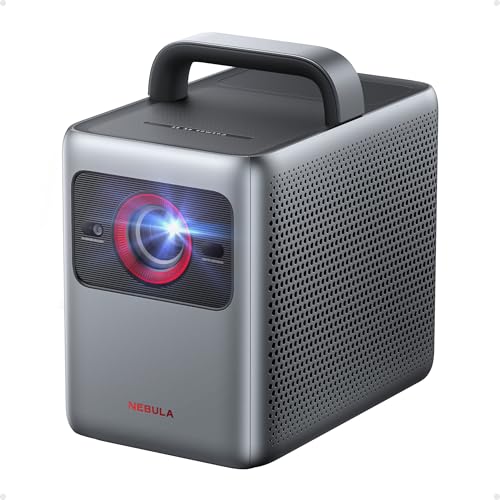
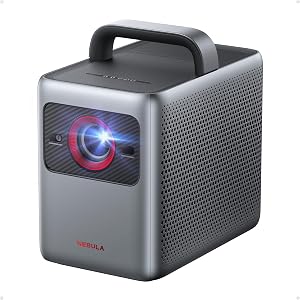
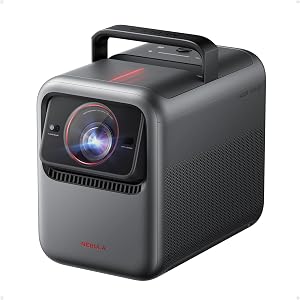
- 4K Dolby Vision, Huge 200″ Screen: Enjoy stunning 4K visuals, 40× higher brightness, 50× better contrast, and true-to-life colors with Dolby Vision. Features a 200″ max screen
- HybridBeam Technology for High Brightness: Our all-new HybridBeam technology combines LED and laser light sources to deliver 1,800 ANSI Lumens of brightness and 1.07 billion rich
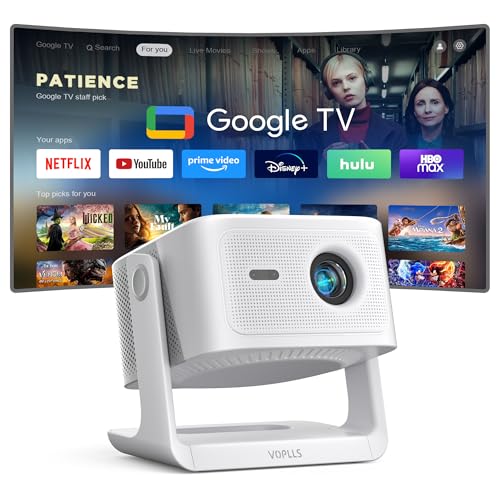
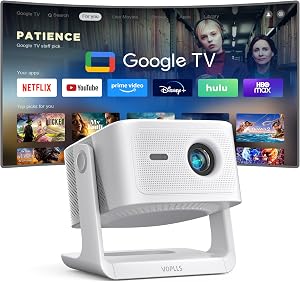
- 【Google TV Entertainment Hub: Your All-in-One Streaming Center】 Enjoy instant access to vast streaming content with zero setup—the ideal partner for portable projection. The
- 【Smart Entertainment Ecosystem: AI-Powered Personalization & Family Safety】 Powered by Google TV AI, the home screen smartly organizes movies, shows, and live content based on
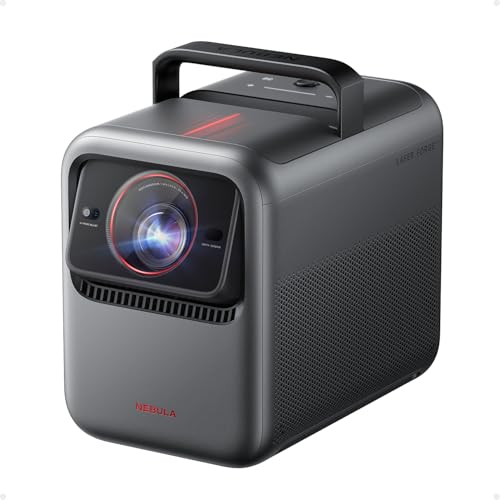
- Certified Cinema-Grade Color: Dolby Vision brings the contrast and depth that streaming services encode but most displays discard. Anker NEBULA X1's ISF-calibrated color accuracy
- See Every Shade Of Darkness With Ultra-High Contrast: Experience deeper blacks and sharper shadow detail for more immersive viewing. A 6-blade iris delivers a native contrast
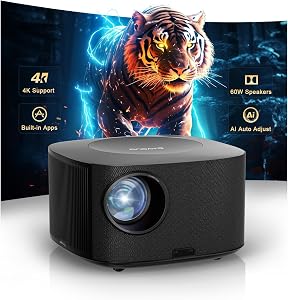
![Outdoor-Projector-4K with WiFi and Bluetooth:[3500 Bright/60W Dolby Audio/Official Licensed Apps],Smart-Projector with AI Auto Focus,ONOAYO ONO5Pro 2.0 Movie Projector for Indoor/Outdoor 2026New](https://projvue.com/aimg/images/I/41fylkjOTIL._SL500_.jpg)
- [Hear the Difference–Hollywood-Grade Dual 60W Dolby Audio] Why spend more on a TV + soundbar or settle for a tinny projector speaker when the ONO5Pro 2.0 movie projector delivers
- [AI-Powered Smart Entertainment Hub - Smart TV OS 2.0 & Apps Built-in] The ONO5Pro 2.0 redefines smart projection with its advanced Smart TV Pro OS 2.0, powered by an AI-driven
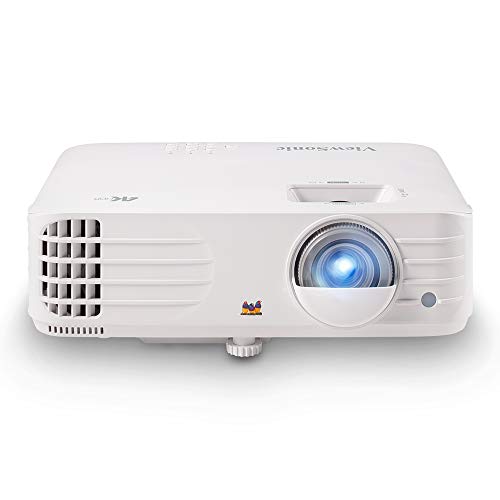
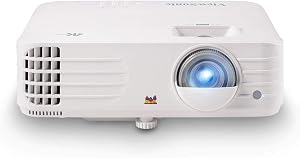
- True 4K UHD Home Theater Projector: Elevate your viewing with stunning 4K (3840x2160p) resolution and 3,200 ANSI lumens; perfect for delivering sharp, detailed images in gaming
- Superior Gaming Responsiveness: Achieve ultimate precision on the big screen with a magnificent 240Hz refresh rate and an ultra-low 4.2ms input lag; perfect for competitive gaming
The Real Problem With First-Time Projector Setups
The pitch sounds dead simple: hang a projector, point it at a wall, watch a movie. The reality? A projector is the only display you'll ever own where the room itself is part of the picture.
A 4,000-lumen monster drowning in a sun-flooded living room can actually look dimmer than a humble 1,500-lumen unit in a properly darkened den. The screen surface, the color of the wall behind it, the reflectivity of your ceiling, the lens throw ratio, the seat-to-screen distance — they all interact in ways your eyes can absolutely feel but your brain can't always articulate.
This guide flips the usual order on its head. Before we touch hardware, we measure. Before we mount, we wire. Before we calibrate, we control the light. It's slower up front — and infinitely more rewarding when the lights finally dim, the projector hums to life, and that first frame hits the screen with theater-level impact.
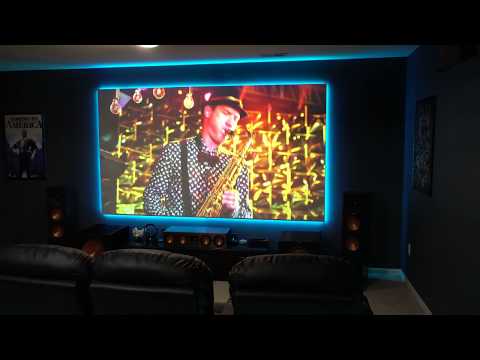
Watch It Done Right: Full Setup Walkthrough
Before you dive into the steps, here's a fantastic visual walkthrough that pairs perfectly with the written guide below. Watch it once now, then keep this page open and refer back as you work.
Decision 1: Where the Projector Sits (The Throw Distance Game)
Everything starts here. The distance from your projector lens to the screen — known as throw distance — dictates the maximum image size you can achieve, the brightness you'll see, and whether your dream 120-inch screen is even possible in your room.
Pull out a tape measure. Mark the wall where the screen will live. Walk backward until you hit the spot where the projector will rest — shelf, ceiling mount, or rear table. Write down that number in feet and inches. This single measurement will guide every purchase that follows.
Decision 2: Sizing the Screen for Cinematic Immersion
Bigger isn't always better. The magic number is the 1.5x rule: your screen width should be no more than 1.5 times your primary seating distance. Sit 10 feet from the screen? Cap your screen width at 15 feet — or more comfortably, around 12 feet (roughly a 130-inch diagonal).
Go larger and you'll find yourself scanning the screen like a tennis match. Go smaller and the cinematic punch evaporates. The sweet spot is where the screen fills your peripheral vision without dominating it.
Decision 3: Controlling Light Like a Cinematographer
Here's the brutal truth: a projector cannot make black. It can only fail to project light. That means every photon of ambient light in the room — from a streetlamp, an LED clock, even reflective white walls — washes out the image.
The goal is sub-50 lux for HDR content. That's darker than most people realize. Solutions, in order of effectiveness:
- Blackout curtains (the single biggest upgrade for most rooms)
- Dark, matte wall paint in chocolate, charcoal, or deep navy
- Ceiling treatment — flat black or deep gray dramatically improves contrast
- ALR (Ambient Light Rejecting) screen if you can't darken the room
Decision 4: Sound That Matches the Picture
A stunning image with thin, tinny audio is a half-finished theater. At minimum, plan for a 3.1 setup — left, center, right, and a subwoofer. The center channel is non-negotiable; that's where 70% of movie dialogue lives.
For true immersion, step up to 5.1.2 with overhead Atmos speakers. The ceiling becomes your soundstage, and rain falls from above instead of from a box on the floor.
The Calibration Walkthrough: Tuning the Final Picture
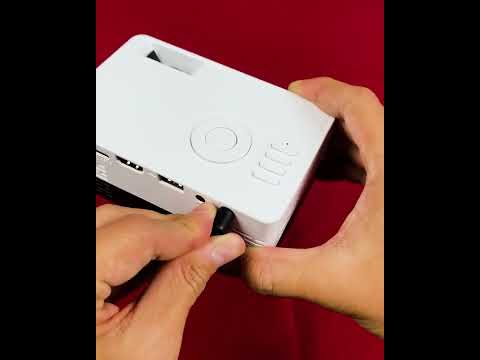
Once the projector is mounted and the room is dark, calibration turns a good picture into a great one. This second video is the cleanest, most beginner-friendly calibration tutorial we've seen — bookmark it and revisit any time you tweak your setup.
Key Takeaways: Your Setup Checklist
The Five Rules of a Picture-Perfect Projector Setup
- Measure first, buy second. Throw distance dictates everything else.
- Size the screen to the room, not the room to the screen.
- Kill the light before you mount. Black walls beat bright lumens every time.
- Wire and align audio with the screen — dialogue must come from the picture.
- Calibrate patiently. Stock picture modes are showroom presets, not cinema presets.
The Final Frame
A great home theater isn't built in an afternoon — it's built in the right order. Measure the room. Plan the light. Choose the screen. Place the speakers. Mount the projector last. Calibrate slowly, then sit back and watch a film the way the director intended: with depth, with darkness, with the kind of bone-deep immersion that only a properly tuned room can deliver.
That first time the opening title card rolls and the picture truly snaps into place — pristine, contrasty, alive — you'll understand why we obsess over the four decisions. The gear is just the messenger. The room is the magic.
Key Takeaways
- Choosing the right how to set up a home theater projector means matching the key features to your specific needs and budget
- Read real customer reviews and check the return policy before you commit
- Also covers: projector installation guide
- Also covers: home theater projector setup
- Also covers: first time projector setup
- Compare value across models — the priciest option is not always the best fit